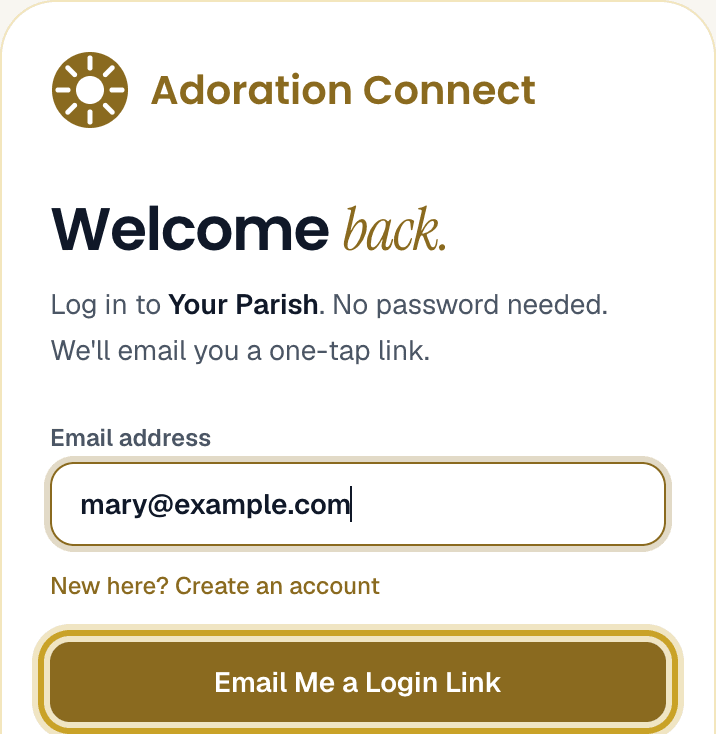
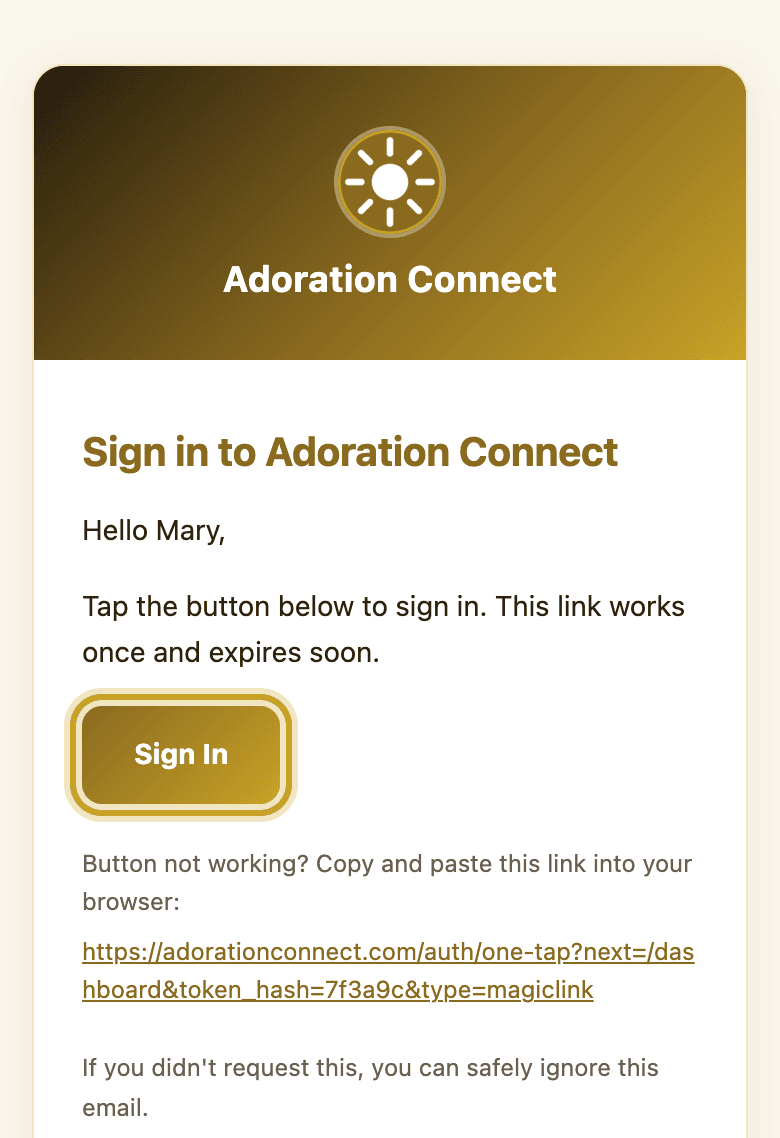
Go to adorationconnect.com/login/st-patrick-parish, type your email and tap Email Me a Login Link. Open the email we send you and tap the gold button. There's no password to remember.
2
Keep it on your phone
Save the sign-in page to your home screen. iPhone: in Safari, tap Share then Add to Home Screen. Android: in Chrome, tap ⋮ then Add to Home screen. You'll usually stay signed in after the first time.
3
Your hour
Your hours are on your dashboard, under Your Commitments.
4
Can't make it?
Next to your hour, tap Request Sub, pick the date, and tap Send Request. We'll ask other adorers for you. The hour is yours until a sub is confirmed.
5
Asked to cover an hour?
You'll get an email. Tap Yes, I Can Cover It or No, I Can't. Either answer is fine; please answer soon.
6
At the chapel
Tap your name on the check-in screen when you arrive.