Loading…
Welcome, adorers
Every hour, a little simpler.
Questions? Contact Ben Althoff at support@adorationconnect.com.
Go to adorationconnect.com/
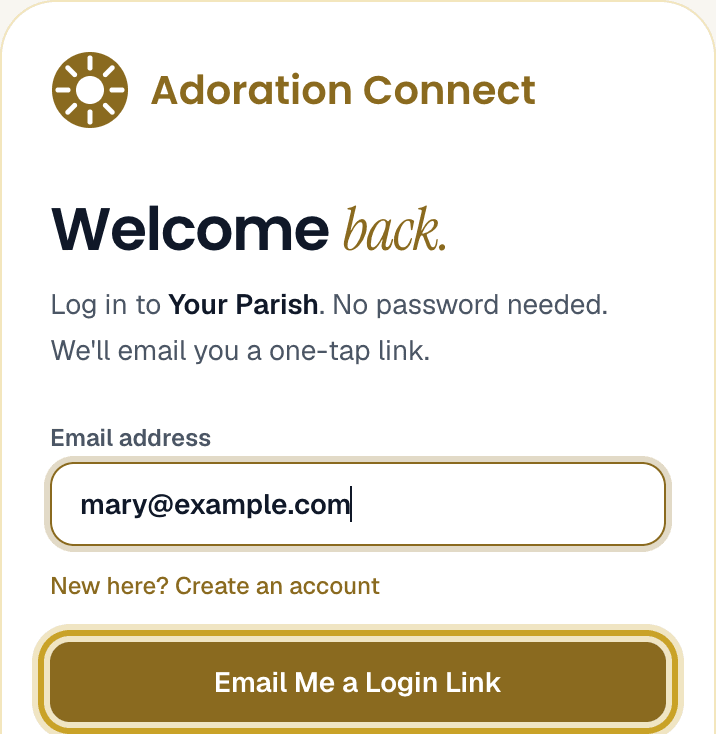
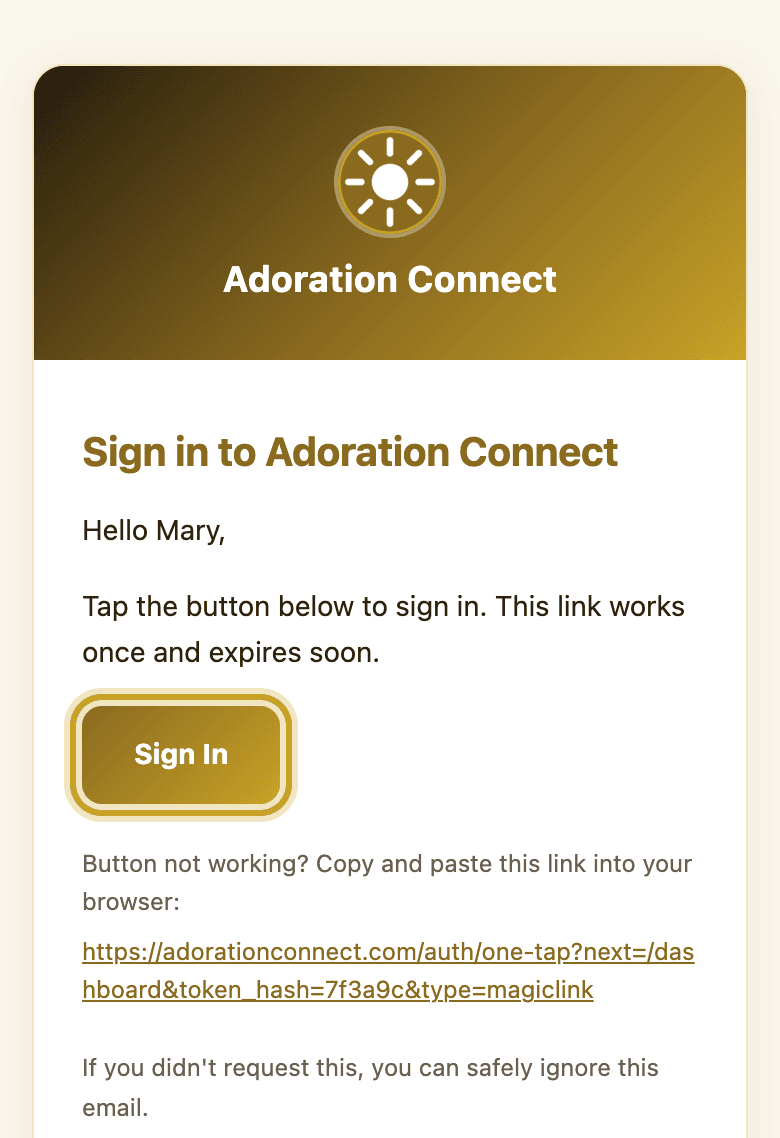
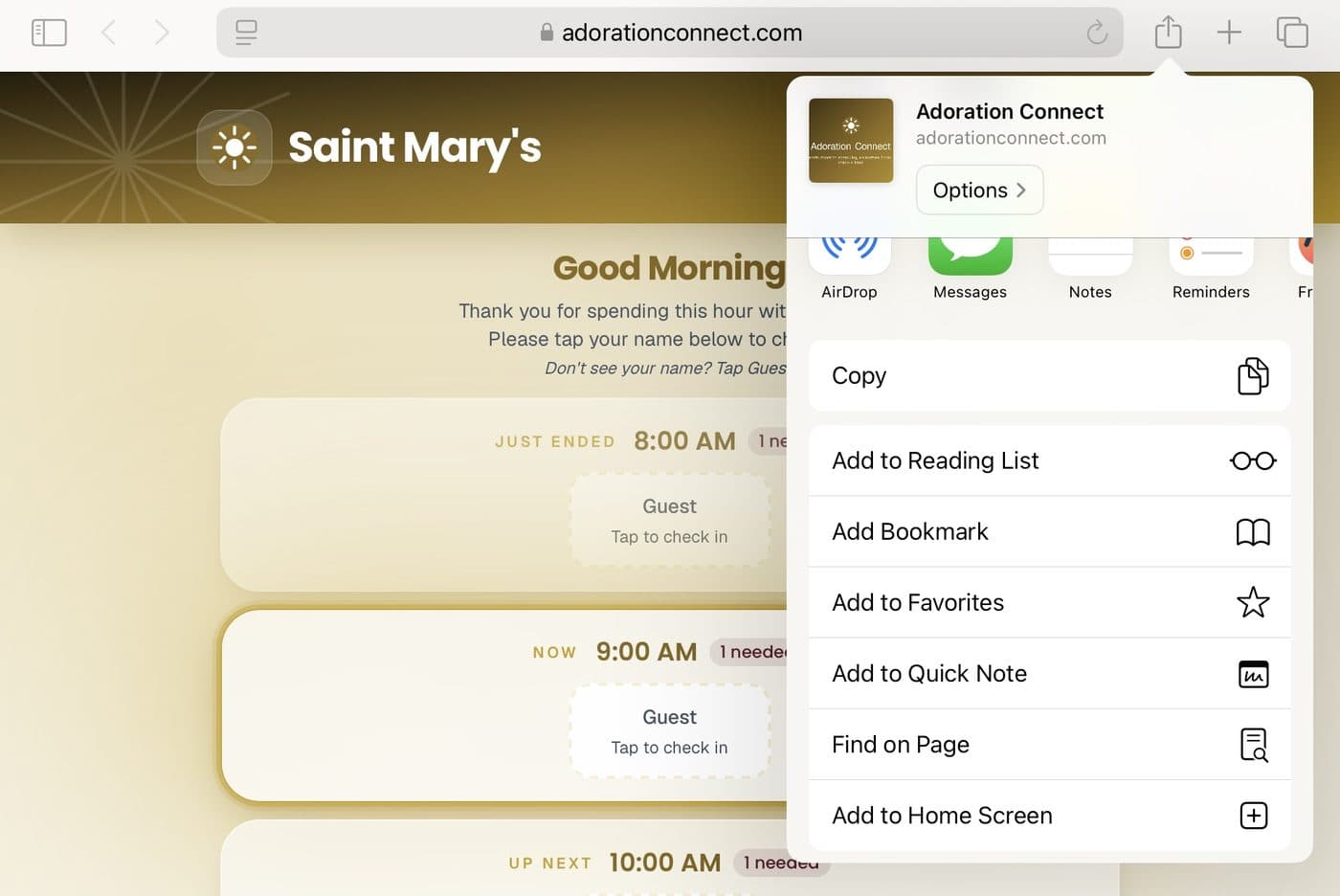
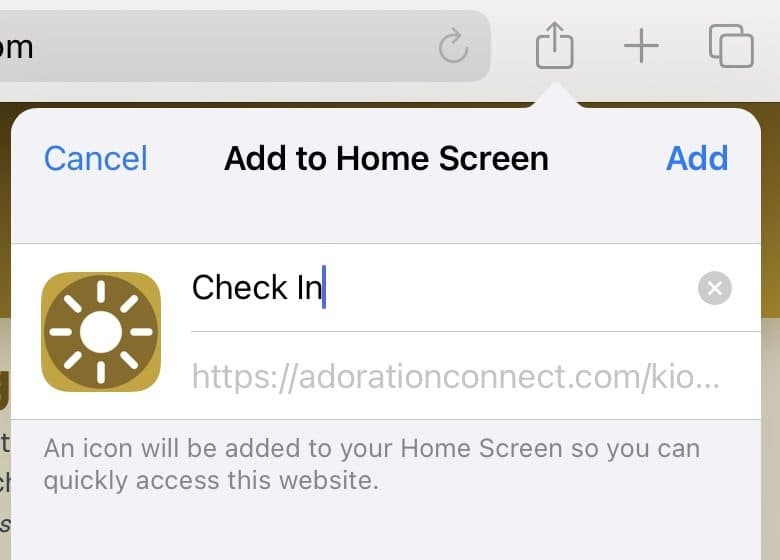
Save the sign-in page to your home screen. iPhone: in Safari, tap Share then Add to Home Screen. Android: in Chrome, tap ⋮ then Add to Home screen. You'll usually stay signed in after the first time.
Your hours are on your dashboard, under Your Commitments.
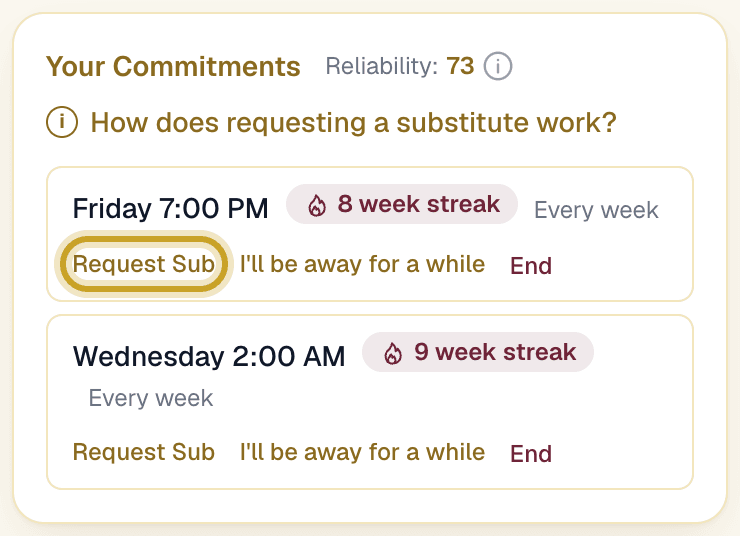
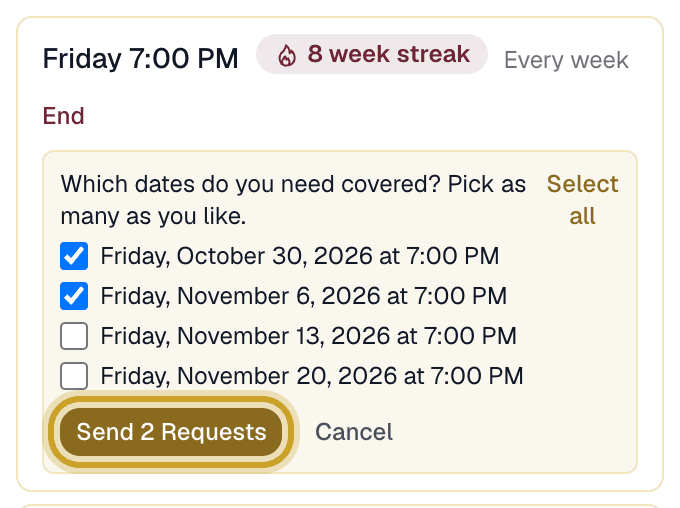
Next to your hour, tap Request Sub, pick the date, and tap Send Request. We'll ask other adorers for you. The hour is yours until a sub is confirmed.
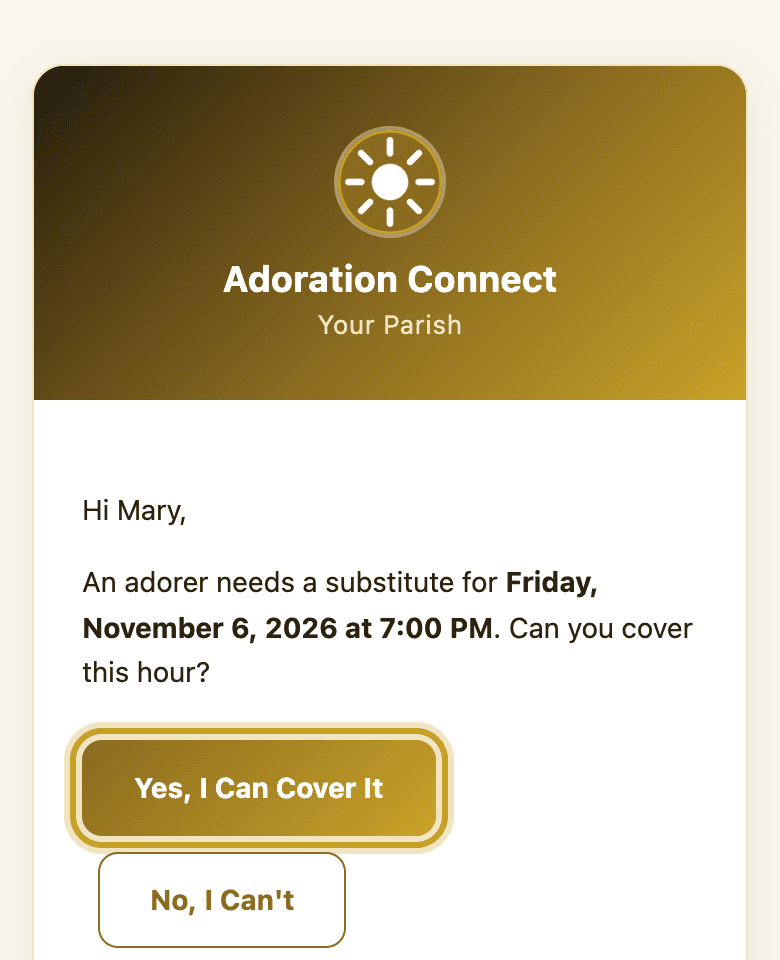
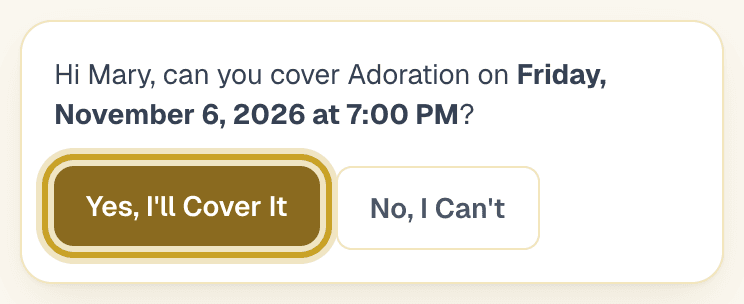
You'll get an email. Tap Yes, I Can Cover It or No, I Can't. Either answer is fine; please answer soon.
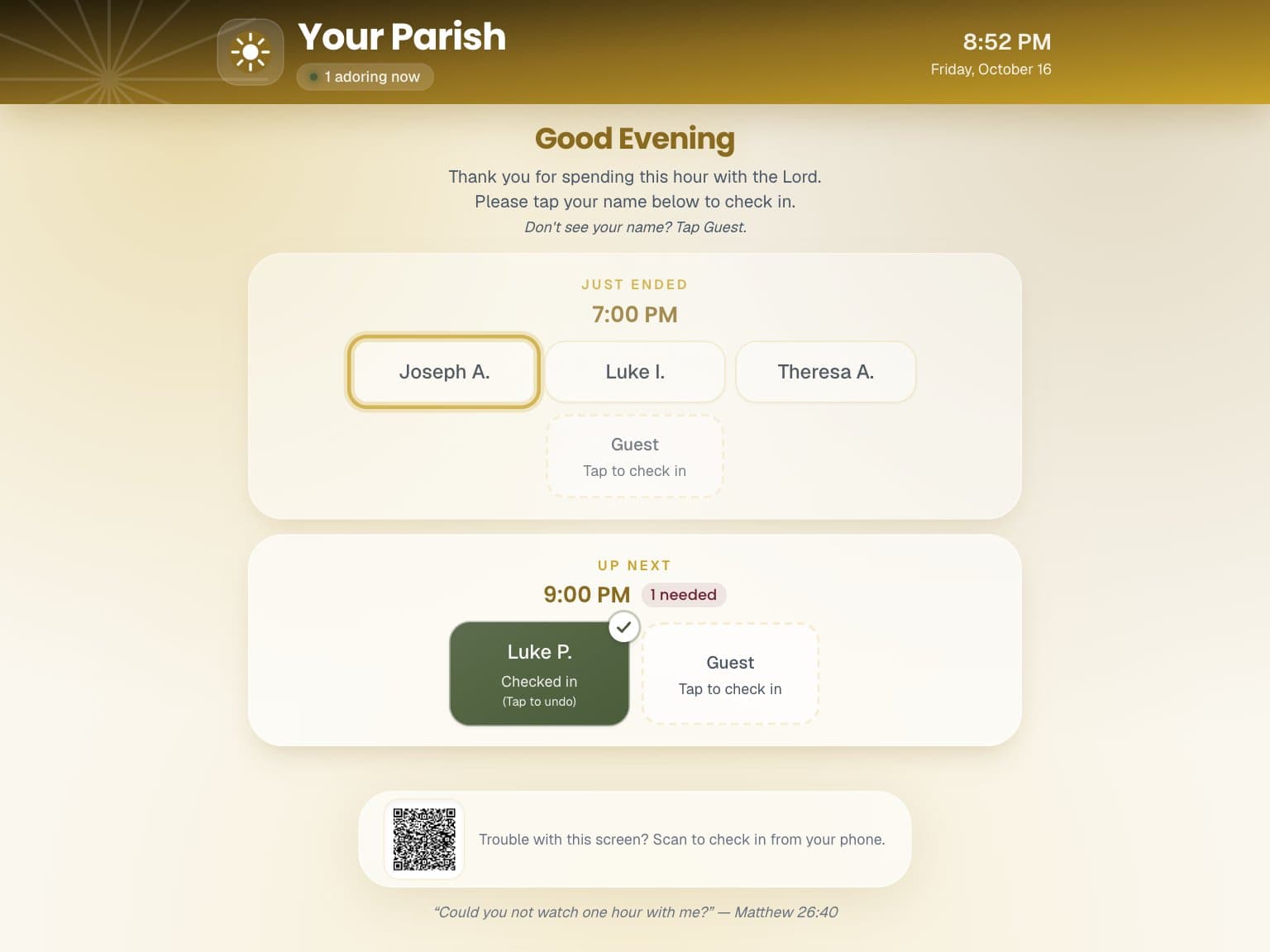
Tap your name on the check-in screen when you arrive.
Substitutes cover an hour when an adorer can't make it. Thank you for being ready to step in. Print this as one page.
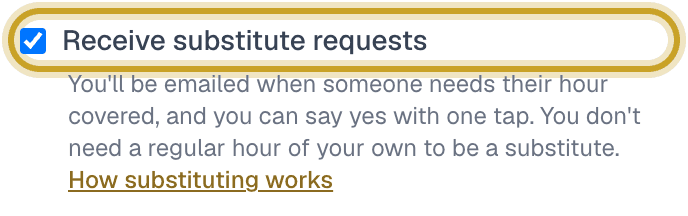
Sign in, open My Profile from the menu at the top right, tick Receive substitute requests and tap Save. You don't need a regular hour of your own.
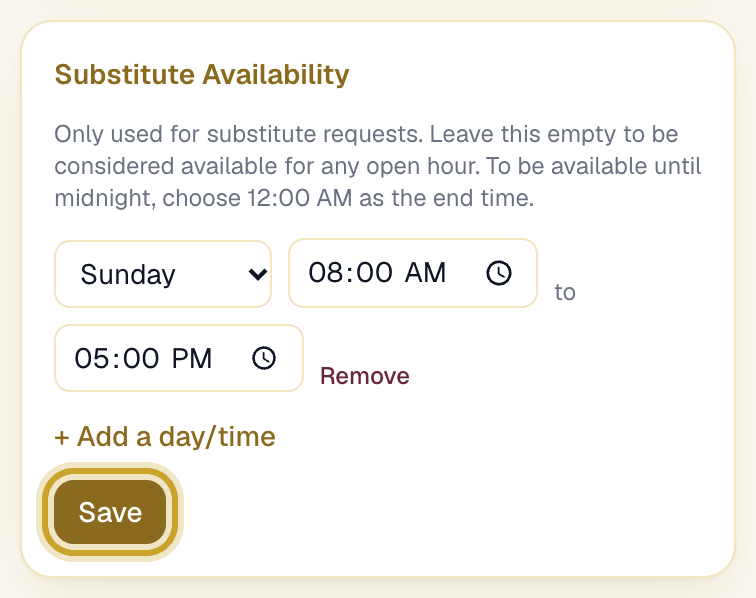
Still in My Profile, under Substitute Availability, tap + Add a day/time for each day and time that suits you, then Save. You're only asked for hours inside those times. Leave it empty to be asked for any hour.
Requests come by email, not by phone call or text. Tap Yes, I Can Cover It or No, I Can't, then tap your answer once more on the page that opens. You don't need to sign in.
A quick answer helps us find someone in time. Either answer is fine.
The hour shows on your dashboard and the adorer is told. At the chapel, your name shows as Substitute for them. Tap it to check in.
In My Profile, untick Receive substitute requests and tap Save. Your coordinators are told automatically.
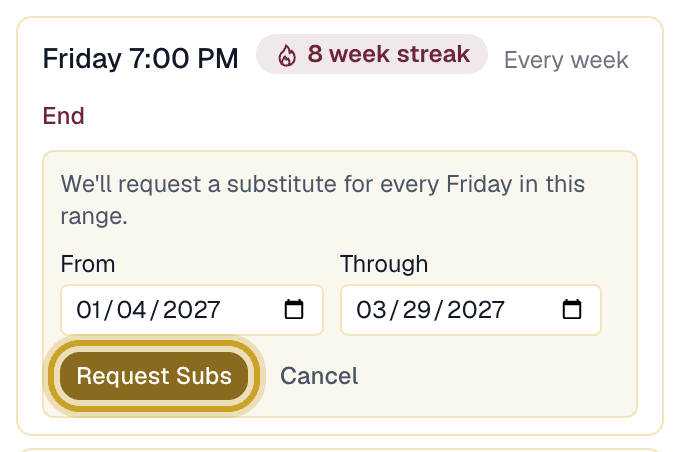
Next to your hour, tap I'll be away for a while, pick the first and last dates, and tap Request Subs. We'll find a substitute for every one of those dates. Away for a whole season? On your dashboard, tap Take a Break and pick the day you'll be back. Your hours come off the schedule while you're gone, Ben Althoff is told, and your hours come back on their own that day.